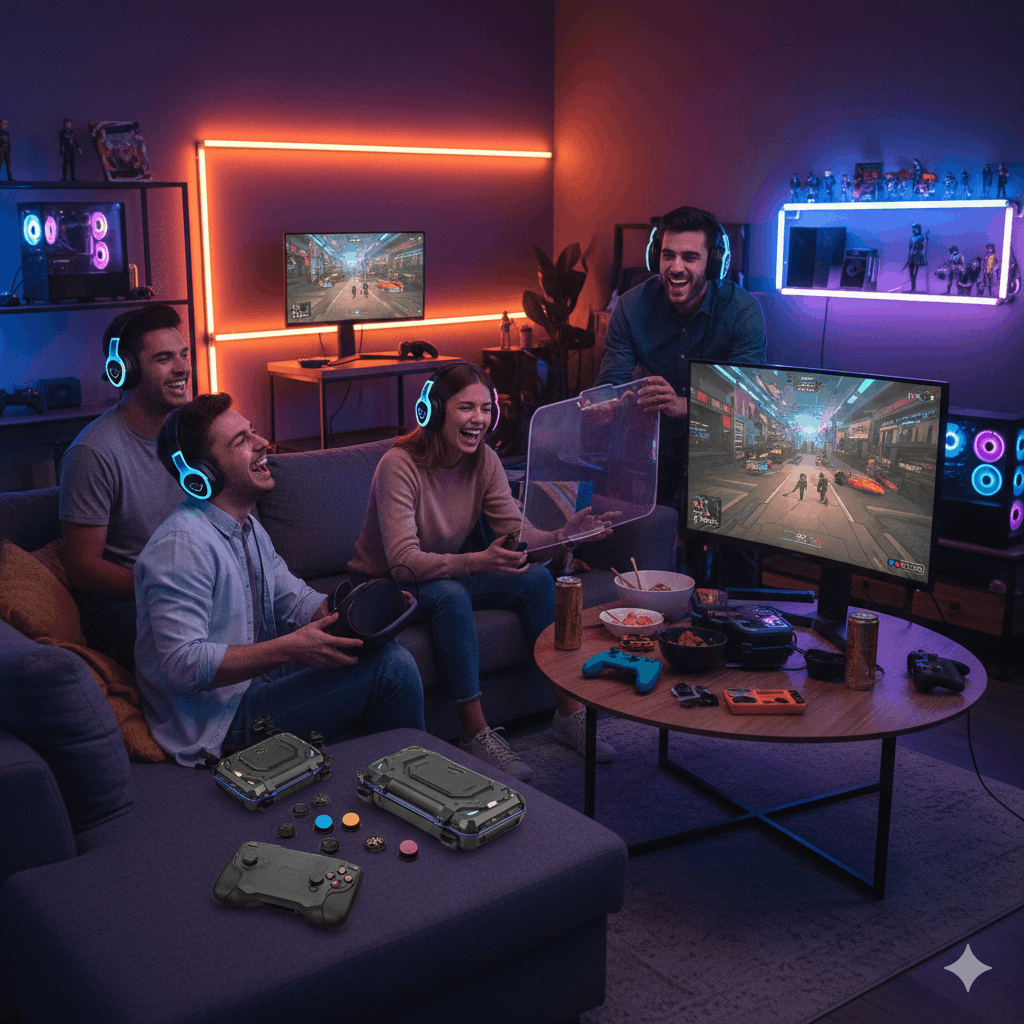

Gaming device protection accessories have shifted from optional extras to practical add-ons for many players. Modern gaming hardware costs more, travels more, and gets handled more often than in the past. Consoles sit in shared living spaces, handheld devices move between rooms and bags, controllers pass through many hands, and mobile gaming devices live in pockets and backpacks. Each moment adds risk.
Protection accessories reduce that risk in quiet, everyday ways. A solid case limits damage during drops. A grip improves hold during long sessions. A skin shields surfaces from scratches without adding bulk. A screen guard protects displays from cracks, smudges, and wear. Together, these items support longer device life and more relaxed use.
This guide covers gaming device protection accessories across consoles, handhelds, controllers, laptops, tablets, and mobile gaming devices. It focuses on real-world use, comfort, and durability rather than flashy promises. The goal is simple: help gaming devices stay safe during daily play, storage, and travel.

Why Gaming Device Protection Accessories Matter
Gaming gear faces more hazards than many people expect. Devices slip from couches, tables, and laps. Bags press against screens during travel. Dust settles inside vents. Small scratches appear from regular handling. Over time, these marks add up.
Gaming device protection accessories work as a barrier between hardware and common risks. They reduce visible wear and limit structural damage. Protection keeps devices usable for longer periods and supports resale value if a device gets replaced later.
Protection accessories serve a comfort role as well. Many grips improve hand feel. Anti-slip surfaces help prevent drops. Textured skins support steadier handling. Screen guards reduce glare and fingerprints, which helps during longer sessions.
Common Causes of Gaming Device Damage
Damage rarely comes from dramatic accidents. Most issues come from repeated small events.
Drops remain a major risk. Controllers slip from hands. Handheld devices fall from beds or sofas. Laptops slide from desks. Even short drops can damage corners or internal parts.
Scratches appear from keys, zippers, and desk surfaces. Bags often contain items that rub against screens and shells. Over time, surfaces lose their clean finish.
Dust enters vents and ports. This buildup affects cooling and button response. Liquid exposure causes immediate harm during spills or rain. Pressure damage happens when heavy objects rest on devices during travel.
Gaming device protection accessories address these risks at different points. Cases absorb impact. Skins block surface damage. Screen guards protect displays. Sleeves and bags reduce pressure during transport.
Protective Cases for Gaming Devices
Protective cases form the foundation of gaming device protection accessories. They shield devices during storage, transport, and daily handling.
Hard cases and soft cases
Hard cases use rigid shells designed to absorb impact. They work well for travel, storage, and transport. Hard cases protect corners and edges, which face the highest risk during drops.
Soft cases rely on padded materials. They provide lighter protection and easier packing. Soft cases suit short trips and daily carry when space matters.
Both options serve different needs. Hard cases favor maximum safety. Soft cases favor convenience and weight reduction.
Shock absorption and reinforced designs
Many cases include reinforced corners, layered padding, or internal frames. These features spread impact across a larger surface. Shock absorption reduces the force that reaches internal components.
Reinforced cases work well for handheld gaming devices, controllers, and laptops. They reduce damage during falls and protect screens from pressure inside bags.
Waterproof and dust-resistant options
Some cases include sealed zippers and treated materials. These designs limit exposure to moisture and dust. Waterproof covers help during outdoor travel or humid environments. Dust-resistant cases help protect vents and buttons during storage.
These features suit players who travel often or store devices in shared spaces.
Grips, Bumpers, and Anti-Slip Protection
Grips and bumpers focus on handling rather than storage. They improve comfort and reduce accidental drops during play.
Silicone cases and bumpers
Silicone cases wrap around devices with flexible material. They add grip and cushion without major bulk. Silicone absorbs minor impacts and resists slipping from hands.
Bumpers protect edges and corners while leaving buttons and vents exposed. They suit players who want drop protection without full coverage.
Anti-slip pads and textured frames
Anti-slip pads attach to devices or stands. They prevent movement on desks and tables. Textured frames improve grip during long sessions and reduce hand fatigue.
These accessories support steady handling for controllers, handheld consoles, and mobile gaming devices.
Comfort support during long sessions
Grip accessories help distribute pressure across hands. They reduce strain caused by narrow device shapes. Improved ergonomics lower the chance of accidental drops caused by fatigue.
Skins, Wraps, and Cosmetic Protection
Skins and wraps protect surfaces while preserving original form. They add style while blocking scratches.
Scratch prevention without bulk
Protective skins use thin vinyl layers. They cover exposed surfaces without changing device shape. Skins protect against scuffs, nail marks, and minor abrasion.
This approach suits players who dislike bulky cases and want a clean look.
Texture and handling benefits
Some skins include textured finishes. These textures add grip and reduce fingerprints. Better grip lowers drop risk during handling.
Decals and full wraps
Decals protect small areas such as logos or touch points. Full wraps cover entire surfaces. The choice depends on coverage preference and device design.
Skins work well with cases or grips when layered carefully.
Screen Guards and Display Protection
Screens remain the most vulnerable part of many gaming devices. Screen guards protect displays from cracks and scratches.
Tempered glass and flexible films
Tempered glass guards add rigid protection. They resist impact and scratches. Flexible films offer thinner coverage and maintain touch sensitivity.
Handheld gaming devices and tablets often benefit from tempered glass. Mobile devices may suit flexible films for smoother interaction.
Glare and fingerprint control
Many screen guards reduce glare and fingerprints. Clear visuals improve play comfort. Cleaner screens reduce cleaning frequency.
Display protection across device types
Screen guards fit consoles with displays, handheld gaming devices, tablets, laptops, and mobile phones. Each device benefits from tailored sizing and material choice.
Protection Accessories by Device Type
Different devices face different risks. Protection choices should match use patterns.
Home consoles and accessories
Home consoles stay stationary most of the time. Protection focuses on dust control, surface protection, and safe storage. Console covers block dust when systems sit unused. Controller protection guards against drops and spills.
Screen protectors suit consoles with displays or connected tablets.
Gaming laptops and portable PCs
Gaming laptops travel often. Protective sleeves and padded cases reduce pressure damage. Keyboard covers block dust and spills. Hard cases add safety during air travel.
Laptop protection accessories support safe transport and long-term durability.
Controllers, headsets, and peripherals
Controllers benefit from grips, shells, and carrying cases. These accessories limit wear on buttons and sticks. Headset cases protect ear cups and cables during storage.
Peripheral protection prevents small damage that builds over time.
Mobile and handheld gaming devices
Handheld consoles and phones face frequent movement. Protection includes cases, bumpers, skins, screen guards, and sleeves. These items support safe daily use and travel.
Travel and Storage Protection Solutions
Travel increases risk. Protection accessories reduce damage during movement.
Carrying cases and backpacks
Carrying cases organize devices and accessories. Compartments prevent items from pressing against screens. Backpacks designed for gaming gear offer padded sections and stable layouts.
Protective sleeves for daily transport
Sleeves provide quick protection for laptops, tablets, and handhelds. They suit short trips and storage inside larger bags.
Tournament and esports travel setups
Competitive players travel with multiple devices. Hard cases, reinforced backpacks, and modular storage systems protect equipment during frequent movement.
Protection Kits and Bundled Solutions
Protection kits combine multiple accessories. They cover cases, grips, screen guards, and sleeves in one package.
Family and kids protection setups
Protective covers for kids use thicker materials and bright colors. These accessories reduce damage during shared use and support easier handling.
Professional and competitive setups
Professional players favor durable cases and reliable grips. Protection kits designed for frequent travel and use support busy schedules.
Choosing the Right Protection Accessories
Selecting protection accessories requires balance. Too much coverage can affect comfort and airflow. Too little coverage leaves devices exposed.
Material choice matters. Silicone provides grip and shock absorption. Hard plastics add structure. Fabric padding supports lightweight transport.
Fit matters. Accessories should match device size and layout. Poor fit blocks buttons or vents.
Use patterns guide selection. Daily home use differs from frequent travel needs.
Common Protection Mistakes to Avoid
Some protection accessories create new issues.
Bulky cases can block vents and trap heat. Skins placed over ventilation areas interfere with airflow. Poor screen guard alignment affects touch response.
Low-quality materials wear quickly. Cheap grips lose texture. Thin films peel early.
Avoid stacking incompatible accessories without testing fit.
Maintaining and Updating Protection Accessories
Protection accessories wear over time. Grips lose texture. Screen guards scratch. Cases crack.
Regular inspection helps maintain safety. Replace worn items when grip declines or damage appears. Clean accessories to remove dust and oils.
New device versions may require updated accessories. Protection upgrades keep gear safe as hardware evolves.
Protection Trends and New Designs
Protection accessories continue to evolve. Hybrid materials combine grip and impact resistance. Modular designs allow parts to swap without full replacement. Textured finishes balance grip and style.
Slim designs aim to preserve airflow and comfort. Premium materials support durability without excess weight.
Buying Gaming Device Protection Accessories
Buying protection accessories requires careful checks.
Confirm device compatibility. Review material descriptions. Check fit details. Understand return options.
Official accessories offer guaranteed fit. Third-party options provide variety and cost control. Both have value when chosen carefully.
Bundles save time for new setups. Individual purchases suit upgrades.
Long-Term Value of Protection Accessories
Protection accessories cost less than device repairs. They reduce downtime and stress. They help maintain clean appearance and resale value.
Long-term protection supports relaxed use. Devices feel safer during play, travel, and storage.
Conclusion
Gaming device protection accessories support safe handling, longer device life, and better daily comfort. Cases shield against impact and pressure. Grips and bumpers improve handling and reduce drops. Skins protect surfaces without bulk. Screen guards preserve displays across devices. Sleeves, backpacks, and storage solutions support safe travel and organization.
Protection works best when matched to device type, use pattern, and comfort needs. Thoughtful selection creates a balance between safety and usability. Gaming devices remain protected while staying enjoyable to use.